
Help Center
Go back to application
Help Center
Go back to application
Reports Management
Editing ImagesFiltering ReportsSharing One Report via EmailViewing Reports in a List, Map, or GalleryExporting Filtered ReportsViewing ReportsHow Can I Comment on Reports?
Mobile App & Devices
Venzeo™ Mobile App OverviewWhat Data Plan Is Needed?Activating Mobile AppCreating First ReportUpdate Venzeo™ Mobile AppRequirements of the Mobile Device (Android and iOS)
Case Studies
FCC & Venzeo™ (7 Years of Experience)
Administrating Venzeo™ System
Administration & Customisation OverviewIT Administrator InstructionsCustomizing InterfaceDeactivating Mobile App (Device) within Admin InterfaceDevices with Mobile AppStatus ManagementManaging Type CategoriesManaging TypesUser TypesAdding New UserUser EditingActivating an Email Alert NotificationSecurity of the Venzeo™ SystemAudit LogsGroups
Places of interest
Managing Places of Interest
Projects / Orders
Managing Projects

Managing Projects

Projects help you organize reports by linking them to specific orders, activities, or events, making tracking and reporting even more efficient within Venzeo™.
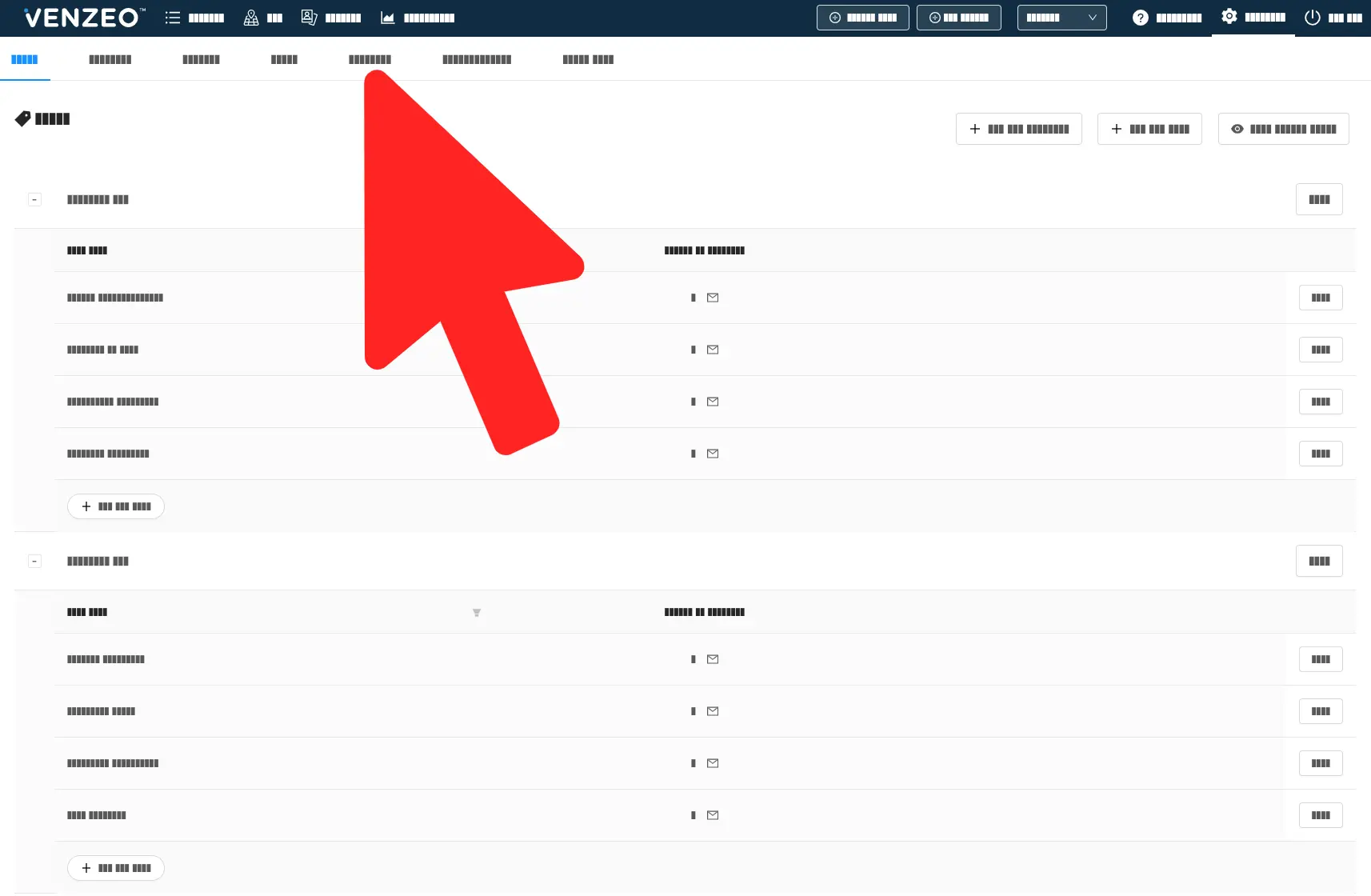
Projects can represent:

  • customer orders, 
  • activities spanning across weeks, 
  • active invoice numbers, 
  • or any other time-bound events.

Mobile users can attach each report to one project.
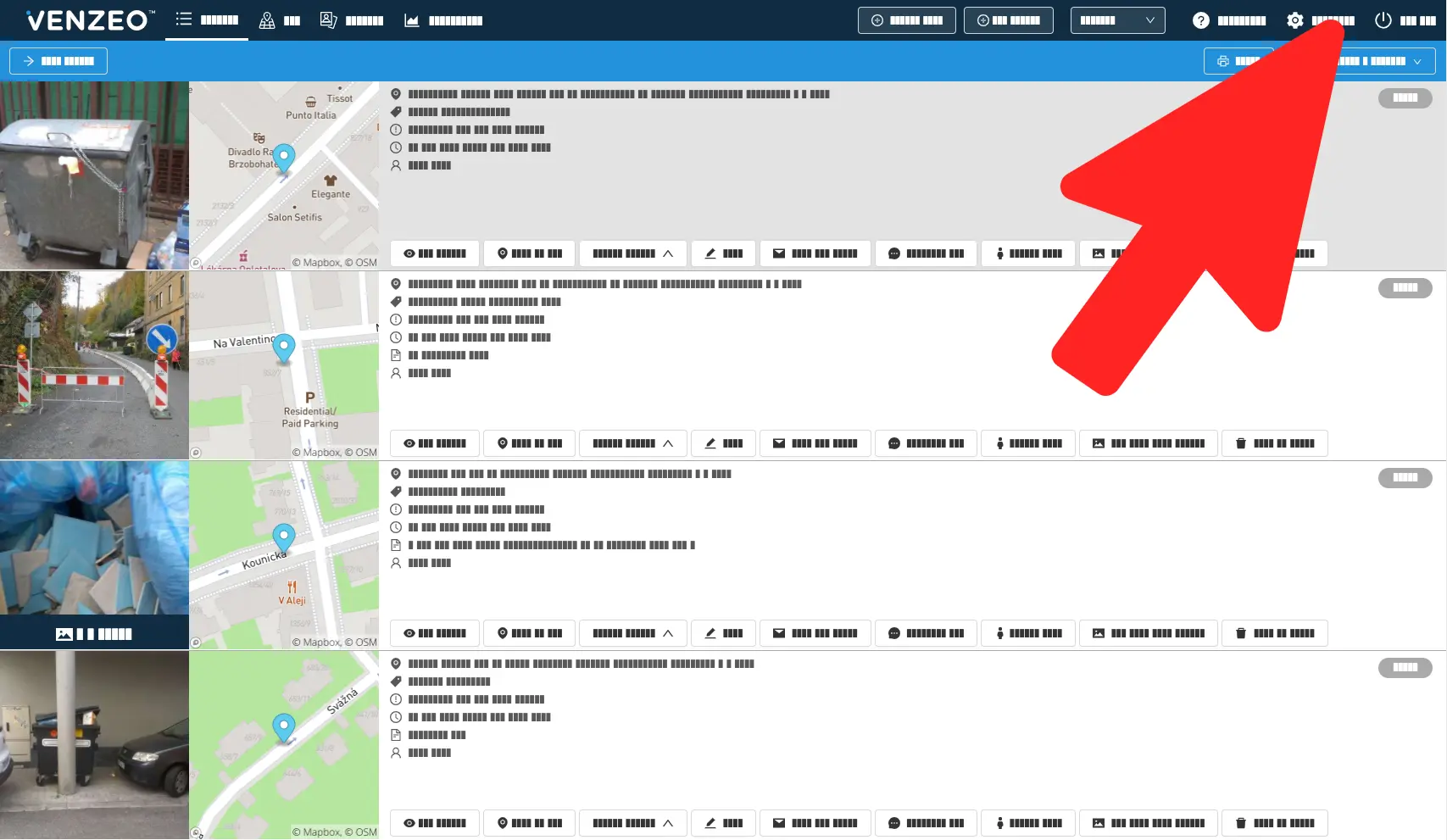
Note: Projects is an optional part of the Venzeo™ system. If you want to activate it for your Venzeo™ license, contact our support.

English
  • English
  • Slovak
Powered by Product Fruits